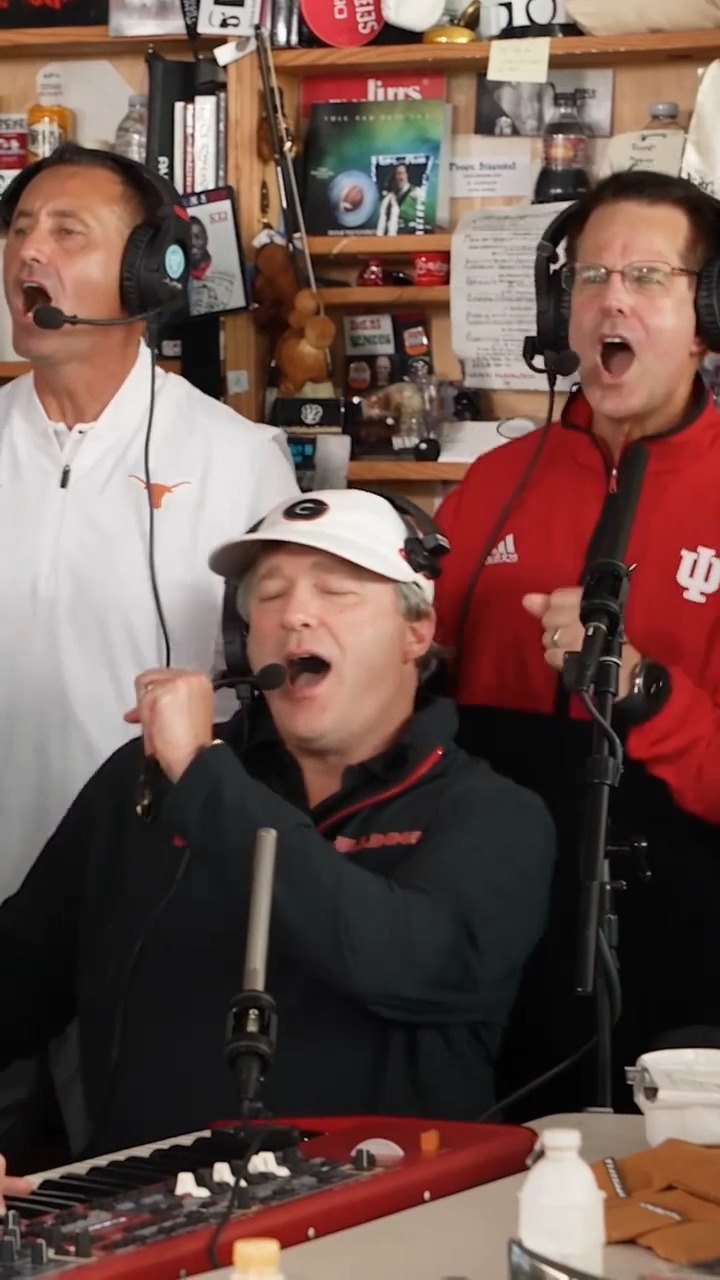
Rap Duo AI: Hotel Lobby AI Rap Video From Two Photos
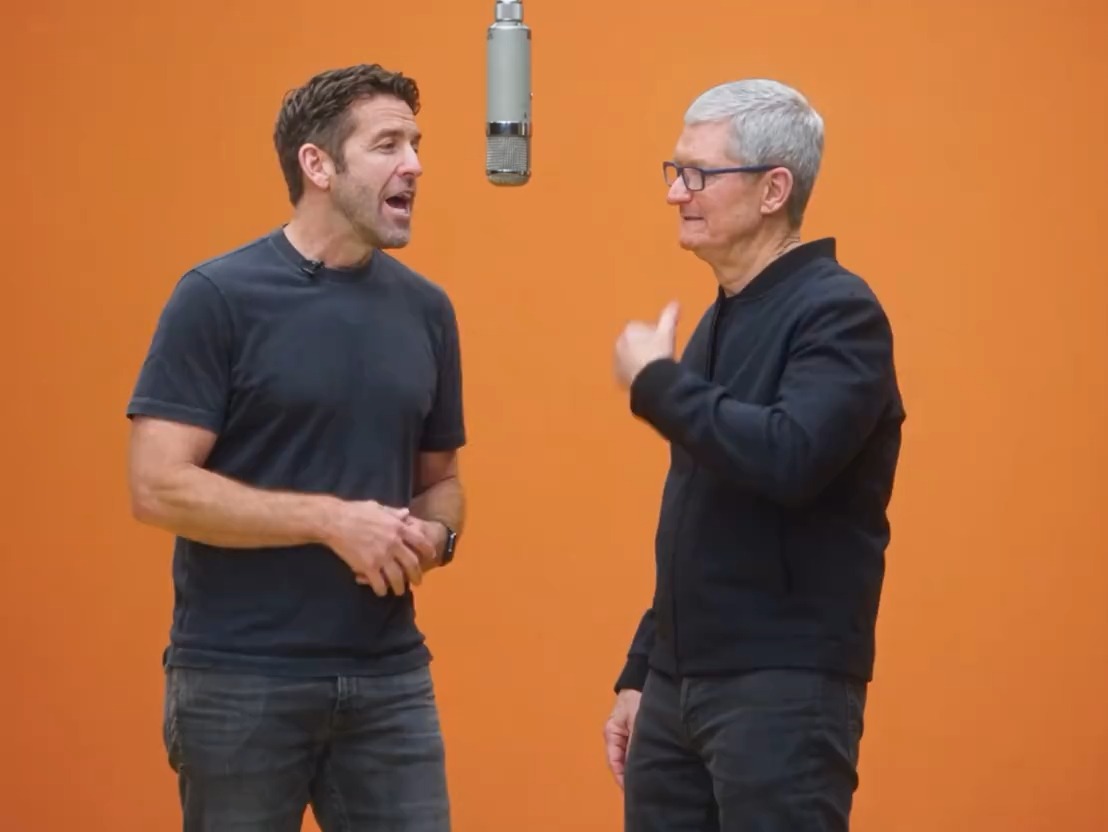
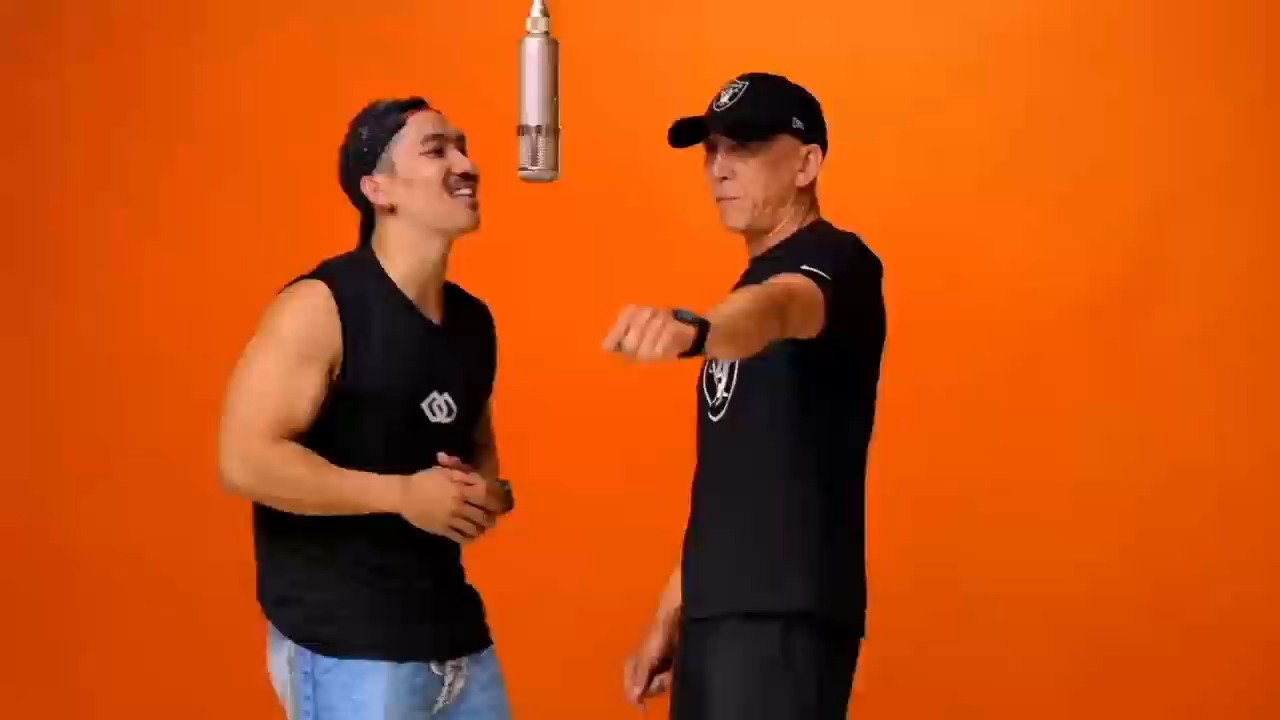
Turn two portrait photos into a Hotel Lobby-style performance video. Bring your duo into a warm orange studio with a hanging microphone and expressive performance gestures.
How to use Hotel Lobby AI
Upload two portrait photos
Add one clear portrait for each person. Choose photos with visible faces and minimal obstruction so the references are easy to distinguish.
Review your template settings
Check the selected photos and the settings available for this template. Only adjust the options shown in the generator.
Generate and review your duo
Generate the video, then review both subjects, their movement, and the overall composition. AI results can vary between attempts.
Download your video
Download the completed video when you are happy with the result. Review the exported file before sharing it.
What is the Hotel Lobby AI AI video?
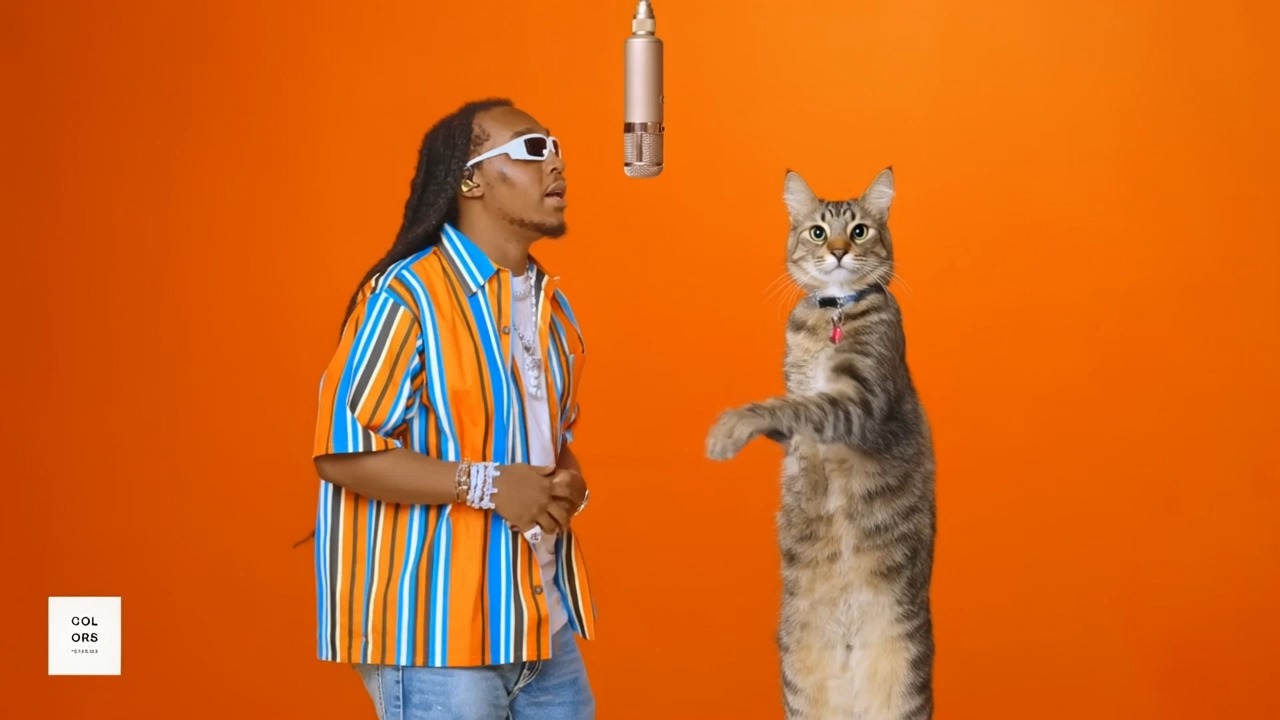
Hotel Lobby AI is a video effect built around a recognizable performance scene: two people standing side by side against an orange background, sharing a hanging microphone. Its appeal comes from placing an unexpected duo in a simple, expressive studio setting. KioArt’s template is designed to use portrait references to guide the two subjects while applying the scene’s visual direction. Use the preview to understand the intended look, and check the photo requirements and available settings before creating your version.
What you can create
When to use this effect
Make Hotel Lobby AI your own
Practical tips for preparing your content.
- 01
Use one clearly visible face in each reference photo.
- 02
Choose portraits with similar framing and reasonably even lighting.
- 03
Avoid heavy filters, sunglasses, or objects covering the face.
- 04
Hotel Lobby AI AI video FAQ
What is the Hotel Lobby AI effect?
It is an AI video effect inspired by the orange-studio rap duo format. The scene typically features two people standing beside a hanging microphone, with the focus on their expressions, gestures, and interaction rather than a detailed background.
What photos should I prepare?
For the two-photo version of this template, prepare one clear portrait of each person. Keep faces visible and avoid strong filters or obstructions. Similar framing and lighting can make the references easier to work with.
Does the video include the original Hotel Lobby song?
The template name does not mean the original recording is included. Check the generator’s audio settings and review the exported video to confirm what audio, if any, is present.